February 18, 2026 · Gaurav Radadiya
You know WhatsApp restock alerts get 98% open rates compared to email’s 65%. You know they convert faster because customers see them within minutes. But how do you actually set them up on your Shopify store? Which app do you pick? What does the WhatsApp Business API require? How much will it really cost you per month?
Most guides stop at telling you WhatsApp is better. This one starts where they stop. We are walking through the practical setup: choosing the right app for your store, connecting the WhatsApp Business API, creating message templates that get approved, and configuring your restock alerts to send automatically when you restock a product.
If you want the full breakdown of why WhatsApp outperforms other channels for restock notifications, read our WhatsApp back-in-stock alerts overview first. This article is about execution.
Before you install any app, you need three things ready. Skipping any of these creates delays that can push your setup back by days.
The WhatsApp Business API requires a phone number that is not currently registered on WhatsApp or WhatsApp Business App. Once you connect a number to the API, it cannot be used on the regular WhatsApp app simultaneously.
Options for getting a dedicated number:
Most Shopify WhatsApp apps can provision a number for you during setup if you do not have one.
WhatsApp Business API access goes through Meta’s Facebook Business Manager. You need:
Business verification takes 2-7 business days. Start this process before you choose an app so you are not waiting around after installation.
Your store needs a way for customers to sign up for restock notifications. This means either:
If you already have a Notify Me button collecting email addresses, you can add a WhatsApp number field alongside it. Apps like StoreBeep support both email and WhatsApp collection from the same form.
Not every back-in-stock app supports WhatsApp. And not every WhatsApp app supports restock alerts. Here are the apps that do both, compared on what matters most.
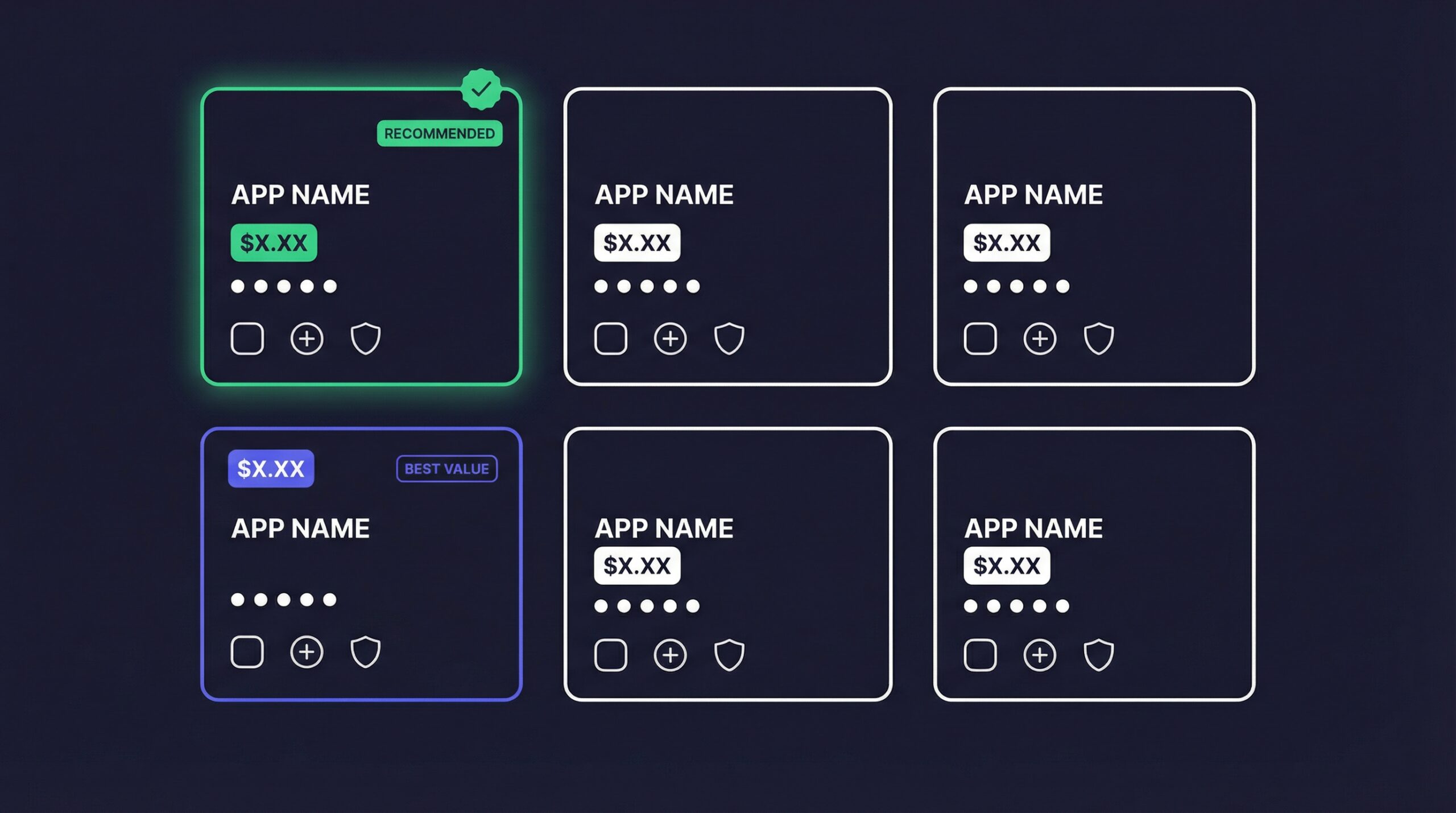
| App | WhatsApp Restock Alerts | Starting Price | Rating | Other Channels | Notable Feature |
|---|---|---|---|---|---|
| StoreBeep | Email + WhatsApp | Free plan | 5.0/5 | Single form collects both channels | |
| Stok (StoQ) | Email + SMS + WhatsApp | $6.99/month | 4.8/5 | Email, SMS, Push | Price drop alerts included |
| Notify! Back in Stock | Email + SMS + WhatsApp | $19.90/month | 4.9/5 | Email, SMS, Push | Pre-order integration |
| Back in Stock Duck | Email + WhatsApp | $9.99/month | 4.7/5 | Waitlist management | |
| DiscoCrate | WhatsApp only | $4.99/month | 4.5/5 | WhatsApp only | WhatsApp-native experience |
| Swym Back in Stock | Email primary | $19.99/month | 4.1/5 | Email, Push | Advanced analytics |
Choose StoreBeep if: You want email and WhatsApp from a single Notify Me form with the simplest setup. No WhatsApp API fees at the app level since it uses your own API connection.
Choose Stok if: You need WhatsApp plus SMS plus email coverage and want price drop alerts alongside restock notifications. Good balance of features and price.
Choose Notify! if: You sell pre-order products alongside regular inventory and need waitlist plus pre-order management in one app.
Choose DiscoCrate if: You want a WhatsApp-only approach without the complexity of multi-channel. Best for stores where most customers are in WhatsApp-heavy markets.
Choose Back in Stock Duck if: You need a pre-order management system with WhatsApp restock alerts as an add-on feature.
Here is the setup process that works across most Shopify WhatsApp restock apps. The specific screens may differ, but the steps are the same.
Install the app from the Shopify App Store. Most apps activate within seconds and add a basic Notify Me widget to your out-of-stock product pages automatically.
After installation, check that:
This is where most merchants get stuck. The connection process involves:
The entire connection takes 10-15 minutes if your Facebook Business Manager is already verified. If not, add 2-7 business days for verification.
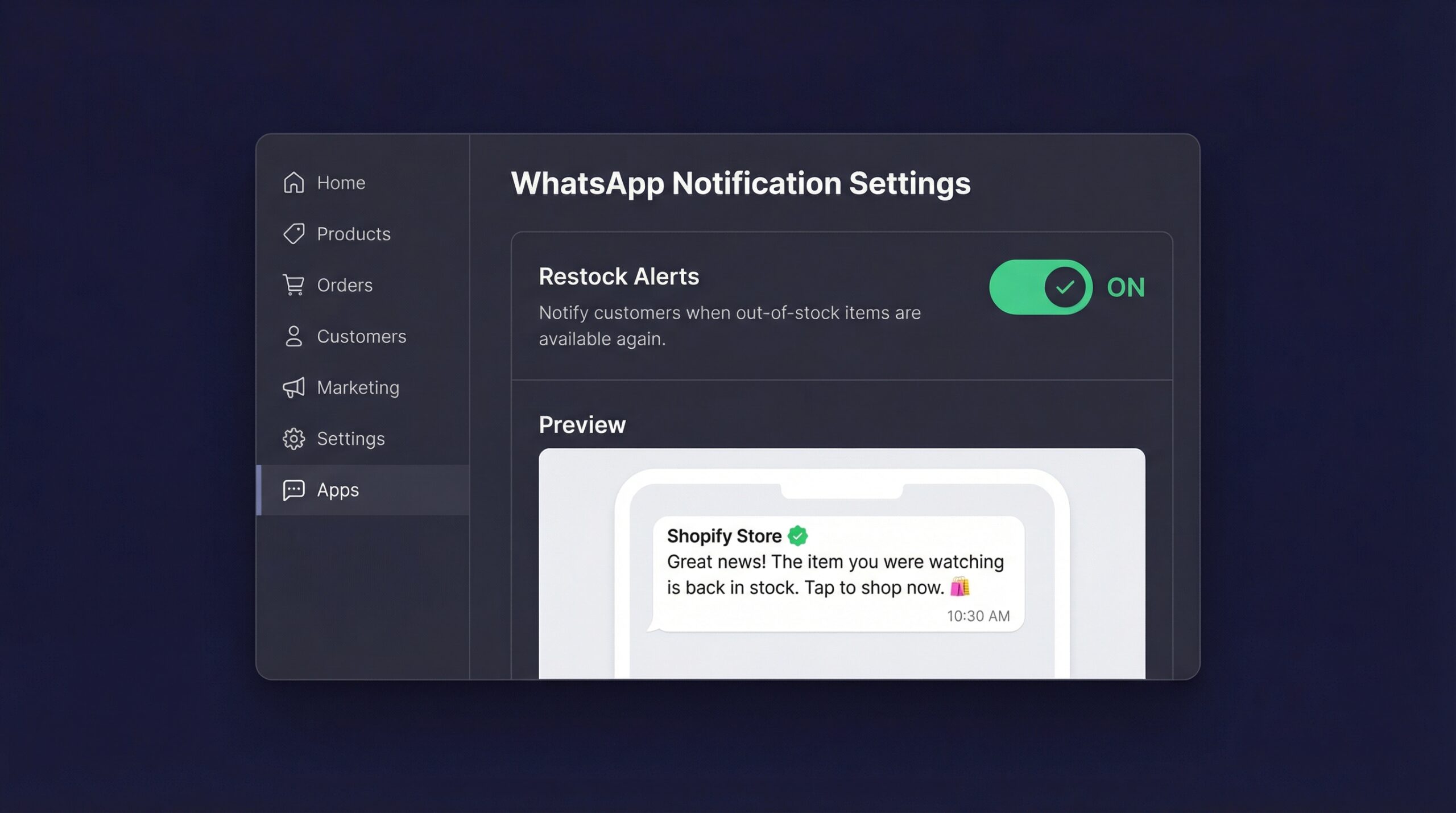
WhatsApp requires pre-approved message templates for automated messages. Most apps provide default templates, but customizing yours improves conversion.
A high-converting restock alert template includes:
Template name: restock_notification
Category: Marketing (this is how Meta classifies restock alerts)
Language: English (or your customer’s language)
Message body:
Hi {{customer_name}}, great news!

{{product_name}} is back in stock on our store.

This item sold out before and stock is limited. Grab yours before it's gone again!
Button: “Shop Now” → links to product page
Variables you can use:
{{customer_name}}, customer’s first name{{product_name}}, the restocked product name{{product_price}}, current price{{product_url}}, direct link to product pageSubmit the template for approval. Most templates get approved within 24-48 hours if they follow Meta’s guidelines.
Set up the automation rules that control when and how alerts fire:
Before you rely on automated alerts for real customers:
Test both the notification delivery and the customer experience after clicking through.
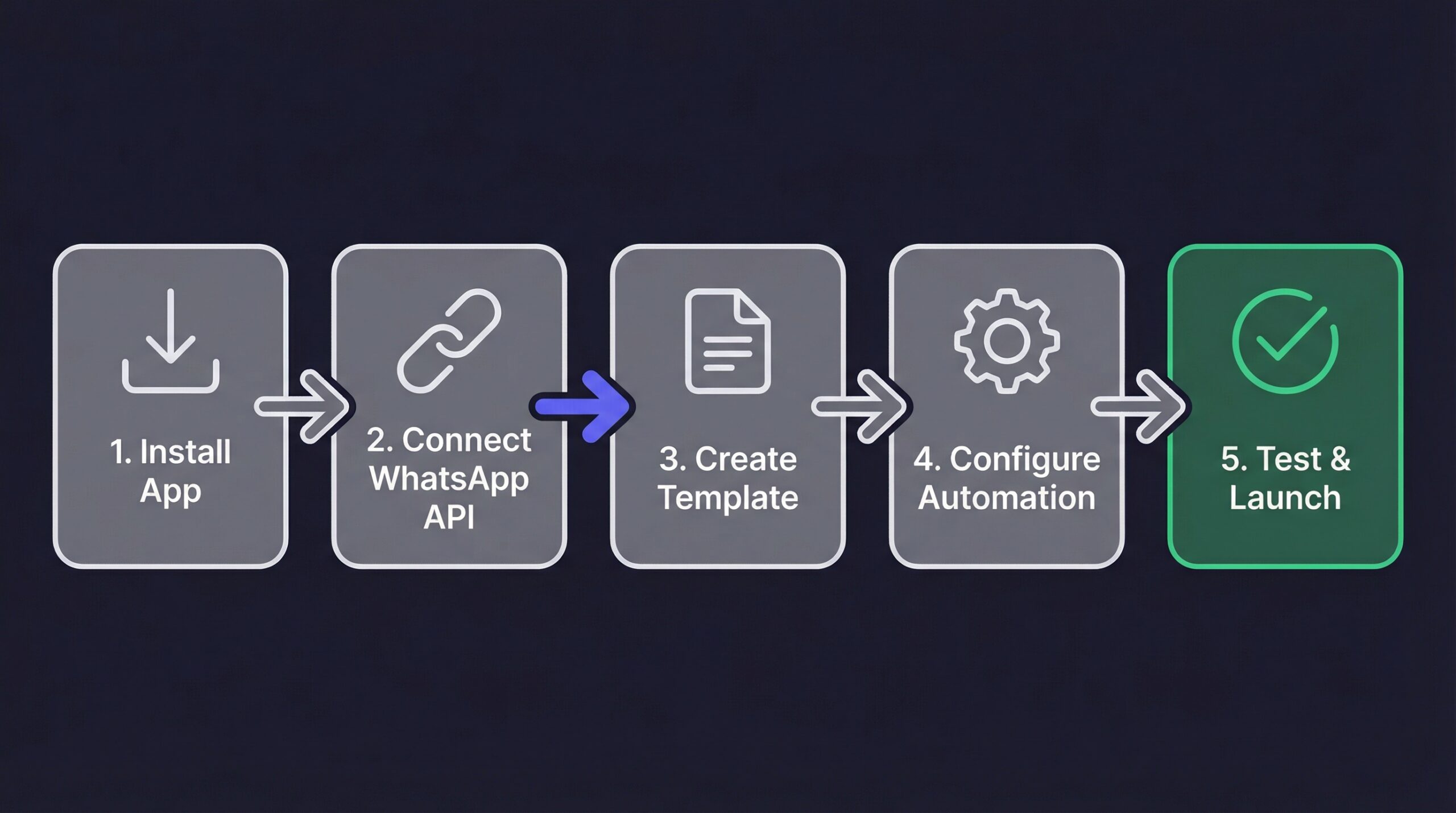
The cost of WhatsApp restock alerts comes from three components. Understanding all three prevents budget surprises.
Your chosen Shopify app charges a monthly subscription. Based on the apps we compared:
| App | Free Tier | Paid Starting Price | WhatsApp Included |
|---|---|---|---|
| StoreBeep | Yes (limited alerts) | $5/month | Uses your API |
| Stok | No | $6.99/month | Included |
| Notify! | No | $19.90/month | Included |
| DiscoCrate | No | $4.99/month | Included |
Meta charges per message based on the recipient’s country and message category. Restock alerts are classified as marketing messages:
| Recipient Country | Cost Per Restock Alert |
|---|---|
| United States | $0.05 |
| United Kingdom | $0.14 |
| India | $0.01 |
| Brazil | $0.06 |
| Germany | $0.22 |
| Australia | $0.09 |
Some Business Solution Providers charge a per-message processing fee on top of Meta’s rates. This ranges from $0.001 to $0.01 per message. Check your app’s pricing to see if BSP fees apply.
A Shopify store sending 500 WhatsApp restock alerts per month to US customers:
| Component | Cost |
|---|---|
| App subscription | $5-20/month |
| Meta API fees (500 × $0.05) | $25/month |
| BSP fees (500 × $0.005) | $2.50/month |
| Total | $32.50-47.50/month |
Compare that to 500 email restock alerts: $0.50-1.50 in sending costs plus $5-15 for the email platform. Email is 3-5x cheaper for the same volume.
But remember: WhatsApp converts at a higher rate. If your average order value is $50, even a 5% better conversion rate on 500 alerts means 25 extra sales worth $1,250. The $30-45 difference in notification cost is insignificant against that revenue.
For a detailed cost-per-conversion analysis, see our WhatsApp vs email comparison.
The template you use directly impacts how many customers click through and buy. Here are three template frameworks that perform well across Shopify stores.
Hi {{customer_name}}! 🎉

{{product_name}} is BACK IN STOCK!

This item sold out in {{days_sold_out}} days last time. Limited stock available now.

[Shop Now] → {{product_url}}
Best for: Products with a history of selling out quickly. The “sold out in X days” detail creates genuine urgency.
{{product_name}} is back in stock.

You asked to be notified. Here's your chance to grab it:

[Buy Now] → {{product_url}}
Best for: Everyday essentials and repeat purchase products where urgency is less relevant than convenience.
Hi {{customer_name}}!

Good news, {{product_name}} just restocked at {{product_price}}.

We've got {{stock_quantity}} units available. Based on demand, this won't last long.

[View Product] → {{product_url}}
Best for: Higher-priced products where including the price and stock quantity helps the customer make a faster decision.
Meta rejects templates that:
Most apps handle opt-out automatically. Keep your templates clean, professional, and accurate. Approval rates improve with straightforward, honest messaging.
Once your alerts are live, these optimizations increase conversion rates over time.
The number one optimization: send alerts the moment inventory becomes available. Every minute of delay reduces conversion because popular products sell out again quickly. Configure your app to trigger alerts with zero delay.
80% of WhatsApp messages are read within 5 minutes (DemandSage, 2025). If your alert sends immediately, most subscribers will see it within 5 minutes of restocking. That is the window where conversion happens.
Not every product needs WhatsApp alerts. Segment your approach:
Templates that include a product image thumbnail see higher click-through rates. Customers recognize the product visually and are more likely to tap through. Most apps automatically attach the product’s featured image.
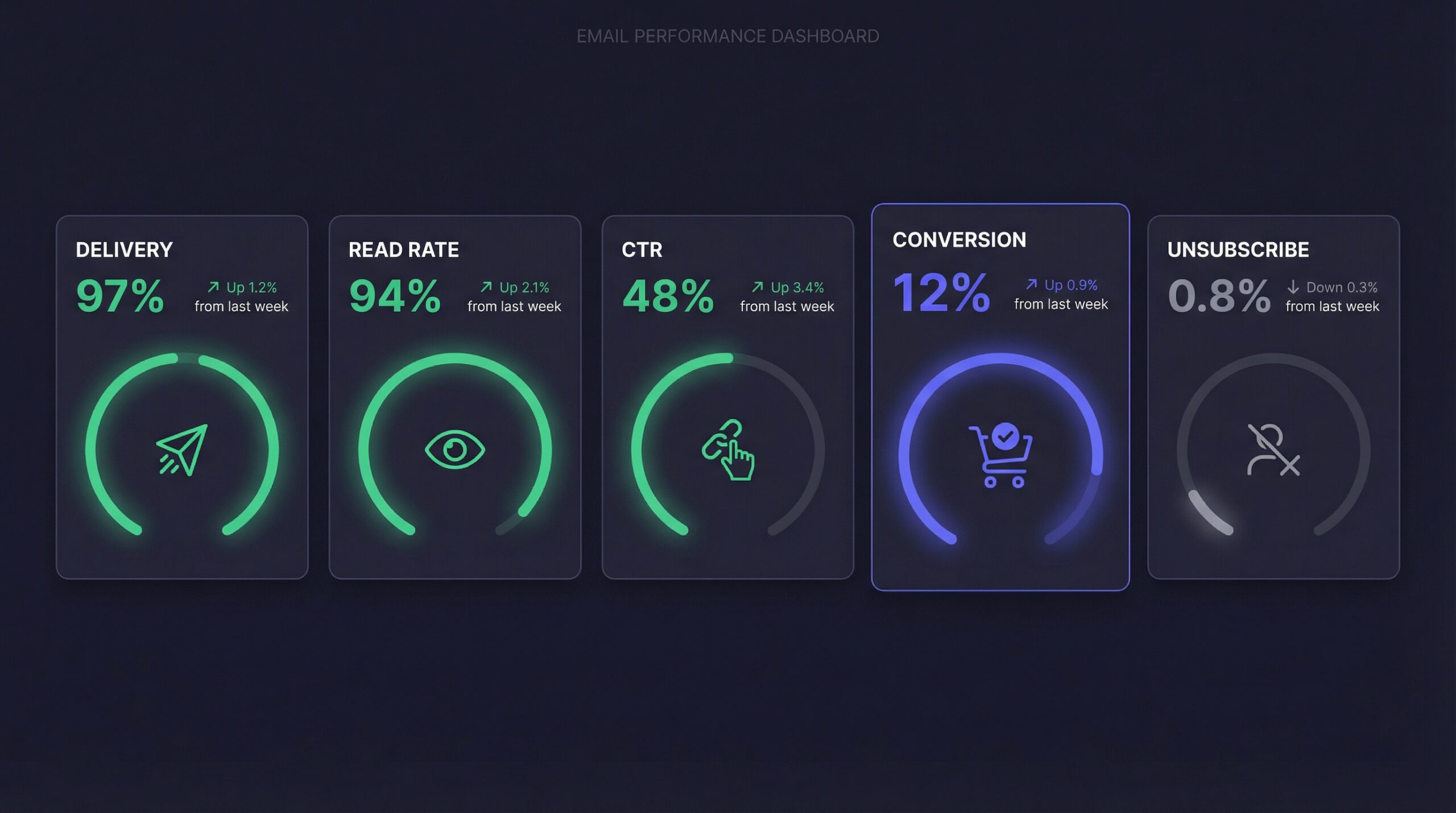
Monitor these metrics monthly:
If your click-through drops below 30%, test different template copy. If conversion drops, check your product page experience.
No. Automated restock alerts require the WhatsApp Business API. The regular WhatsApp Business App only supports manual messaging and does not integrate with Shopify for automated notifications.
If your Facebook Business Manager is already verified, setup takes 15-30 minutes. If you need business verification first, add 2-7 business days for Meta’s review process.
Yes. WhatsApp requires explicit opt-in. Customers must actively provide their WhatsApp number and consent to receive notifications. A checkbox or dedicated phone number field on your Notify Me form handles this.
Most apps support fallback to email or SMS if WhatsApp delivery fails. This ensures no customer misses their restock notification regardless of their WhatsApp status.
Yes. Apps like StoreBeep let customers choose their preferred channel or opt into both. When a product restocks, alerts go out on all selected channels.
Meta classifies restock alerts as marketing messages because they promote a purchase action. This means they use the higher marketing message pricing tier, not the cheaper utility tier used for order confirmations.
New WhatsApp Business API accounts start at 250 business-initiated messages per 24 hours. This limit increases to 1,000, then 10,000, and eventually unlimited as you build sending reputation. For most Shopify stores, the initial 250 limit is sufficient.
Setting up WhatsApp restock alerts on Shopify is a one-time investment that pays ongoing dividends. Here is the quick action plan:
69% of shoppers switch to a competitor when their item is out of stock (Opensend, 2024). WhatsApp restock alerts reach those customers faster than any other channel, giving them a reason to come back instead of buying elsewhere.
The automated email setup is your foundation. WhatsApp is how you maximize recovery on your highest-value products. Start with StoreBeep’s back-in-stock notifications and add WhatsApp to capture every sale.
Keep reading